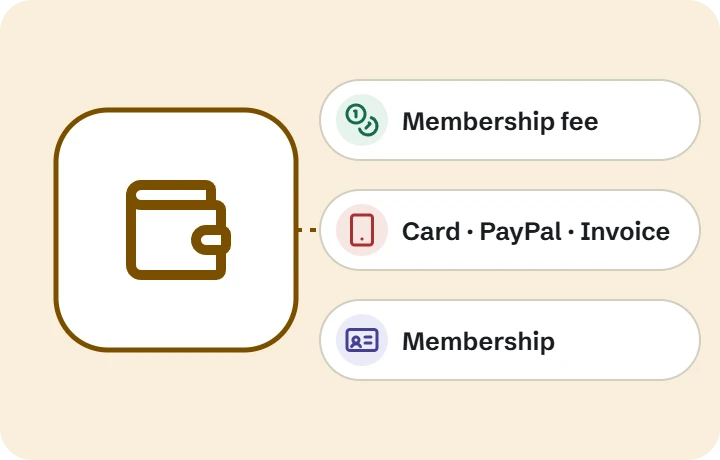
Guide by task · Membership and payments
When this guide is for you
- Members pay by bank transfer, and someone matches the payments by hand
- You are never quite sure who has paid this year
- Reminders and receipts take a lot of the treasurer’s time
- In a federation, each branch collects its fee in its own way
How it works
01
The member pays the fee
by card, PayPal or invoice on the website
02
Membership is registered
in the right association or branch, when the payment is registered
03
A receipt arrives
by email, and the membership shows on My page
04
Next year, a paid renewal
extends the membership
05
The board sees who has paid
in the member list
What you need, and what covers it
| Covered by | |
|---|---|
| Payment online By card, PayPal or invoice. Vipps is available as an add-on. | Membership and payments |
| Membership that starts by itself When the payment is done, the member gets membership in the right association or branch. Nobody adds it by hand. | Membership and payments |
| Only the right products give membership Only products marked as membership give membership. Tickets and goods from the same organization do not. | Membership and payments |
| Renewals and refunds A paid renewal extends the membership. A full refund ends it. | Membership and payments |
| Membership per branch In a federation each branch has its own memberships and products. | Membership and payments |
| Membership on My page Members see their memberships on My page and get a receipt by email. | My page and the contact register |
What it costs
| Membership and payments | Included in every package, at no extra cost |
| Vipps add-on | $25 per month, non-profit $20 |
| Transaction fee from UT | None. The payment provider’s own charges apply separately |
All prices exclude VAT.
Before you start
- Decide the fee and the period it covers
- Decide which products grant membership
- Have your payment provider account ready (card and PayPal); Vipps is an add-on
- Agree who on the board follows up payments
Your offer specifies the delivery scope and planned start date.
Common questions
Does a ticket or other purchase make someone a member?
No. Only products marked as membership create membership. Tickets and goods from the same organization do not.
What happens if a member pays by invoice?
The membership is registered when the payment is registered, not when the invoice is sent.
Can members pay with Vipps?
Yes, as an add-on. Today the site receives the payment and settles with each organization by agreement, with a sales report. Payment straight into an organization’s own Vipps account is in development.
Do you take a share of the fees?
No. UT charges no transaction fee. The payment provider’s own charges apply separately.
What if we refund a fee?
A full refund ends the membership. A paid renewal extends it.
Read next
Tell us about your organization.
We answer every enquiry ourselves and tell you honestly whether a package fits.

